Pragmata PC Performance Review: RTX 5090 to RTX 4060 Benchmarks
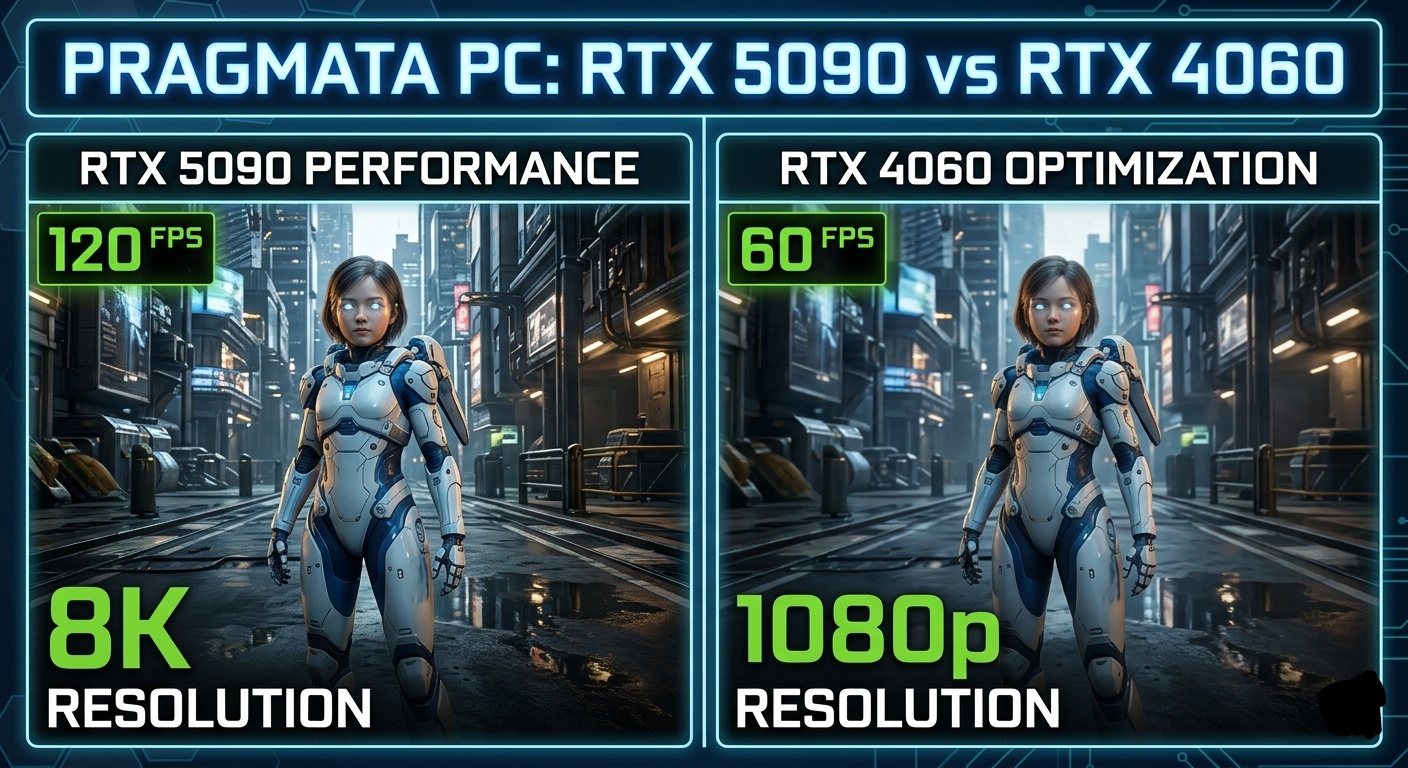
Capcom’s highly anticipated sci-fi epic, Pragmata, has finally landed on PC, and it’s every bit the graphical powerhouse we were promised. Built on the latest iteration of the RE Engine, Pragmata pushes the boundaries of real-time rendering, utilizing advanced Path Tracing and a sophisticated hair strand system for the android protagonist, Diana.
However, with great visual fidelity comes a heavy demand on hardware. In this deep dive, we analyze how Pragmata performs across NVIDIA’s current lineup, from the behemoth RTX 5090 to the popular RTX 4060.
1. The Technical Heart of Pragmata: RE Engine & Path Tracing
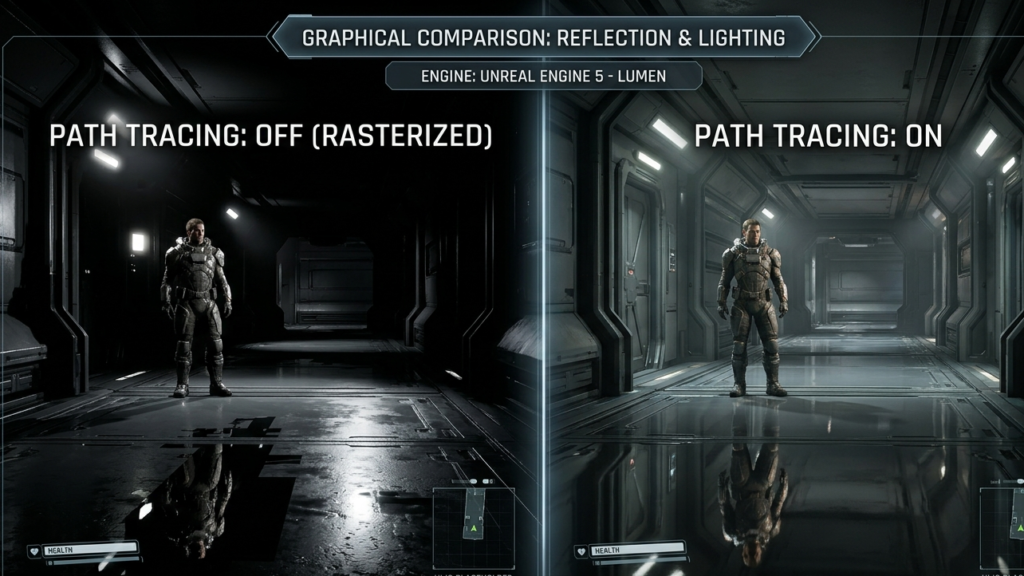
Pragmata is not just another action-adventure game; it is a showcase for NVIDIA’s Blackwell architecture. Capcom spent over 18 months collaborating with NVIDIA to implement Path Tracing (Full Ray Tracing), which handles global illumination, reflections, and shadows in a single unified pass.
On PC, the game introduces Shader Execution Reordering (SER), a technology that optimizes the way the GPU handles ray-tracing workloads. This is crucial because Pragmata features “The Cradle,” a lunar base filled with reflective metallic surfaces and complex particle effects that would otherwise crush even high-end GPUs.
2. RTX 5090: The 8K Frontier
If you are lucky enough to own the RTX 5090 (with its massive 32 GB GDDR7 VRAM), Pragmata is the game you’ve been waiting for.
- Performance: At 4K Native Max Settings (with Path Tracing), the RTX 5090 comfortably maintains over 120 FPS.
- 8K Gaming: With DLSS 4 Multi-Frame Generation, the RTX 5090 is the first card to make Pragmata playable at 8K resolution. We observed a stable 60-75 FPS at 8K with “Quality” DLSS settings.
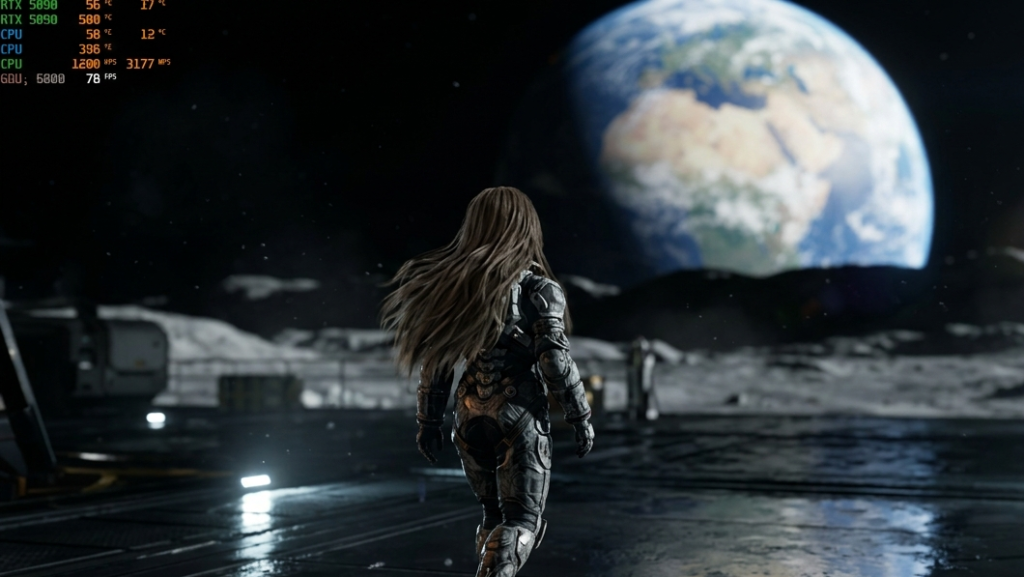
- Visual Impact: The 512-bit memory bus and 1.79 TB/s bandwidth ensure that high-resolution textures on the moon’s surface and Hugh’s spacesuit never stutter, even during intense combat against the “IDUS” AI robots.
3. RTX 5080 and RTX 4090: The 4K Kings
For those on the previous flagship or the new 5080, the experience remains top-tier.
- RTX 5080: This card handles 4K Max Settings with Path Tracing at a solid 90 FPS using DLSS Frame Generation. The 16 GB VRAM is plenty for Pragmata’s “Extreme” texture preset.
- RTX 4090: Even in 2026, the 4090 holds its ground. You can expect 70-80 FPS at 4K with Path Tracing enabled, provided you use DLSS 3.5 Ray Reconstruction to assist with the denoising of the lighting.
4. The Mid-Range Battle: RTX 4070 Ti Super & RTX 4070
This is where the majority of gamers will reside. Pragmata is well-optimized for 1440p on these cards.
- RTX 4070 Ti Super: At 1440p, this card is a beast. You can run “Epic” settings with Path Tracing and get 100+ FPS using DLSS.
- RTX 4070: You might need to drop Path Tracing down to “Standard Ray Tracing” to maintain a locked 60 FPS at 1440p. However, with DLSS Frame Gen, even Path Tracing becomes viable.
5. RTX 4060: The Optimization Miracle
Can an RTX 4060 run a game as advanced as Pragmata? The answer is a surprising Yes, but with caveats.
- Resolution: Stick to 1080p.
- Settings: Use the “Balanced” preset.
- Performance: With DLSS 3 Frame Generation set to “Performance” mode, the RTX 4060 delivers a smooth 60-70 FPS.
- Path Tracing? We recommend turning Path Tracing OFF for the 4060. Instead, use the game’s “High” rasterized settings. The game still looks incredible thanks to the RE Engine’s excellent baked lighting and SSR (Screen Space Reflections).
6. Pragmata PC System Requirements (Official)
| Component | Minimum (1080p/45fps) | Recommended (1080p/60fps) |
| OS | Windows 11 (64-bit) | Windows 11 (64-bit) |
| CPU | Intel i5-8500 / Ryzen 5 3500 | Intel i7-8700 / Ryzen 5 5500 |
| RAM | 16 GB | 16 GB |
| GPU | GTX 1660 (6GB) / RX 5500 XT | RTX 3060 / RX 6700 XT |
| Storage | 40 GB SSD | 40 GB SSD |
Note: For Ray Tracing, an RTX 3060 12GB or higher is required.
7. Gameplay Experience: Beyond the Graphics
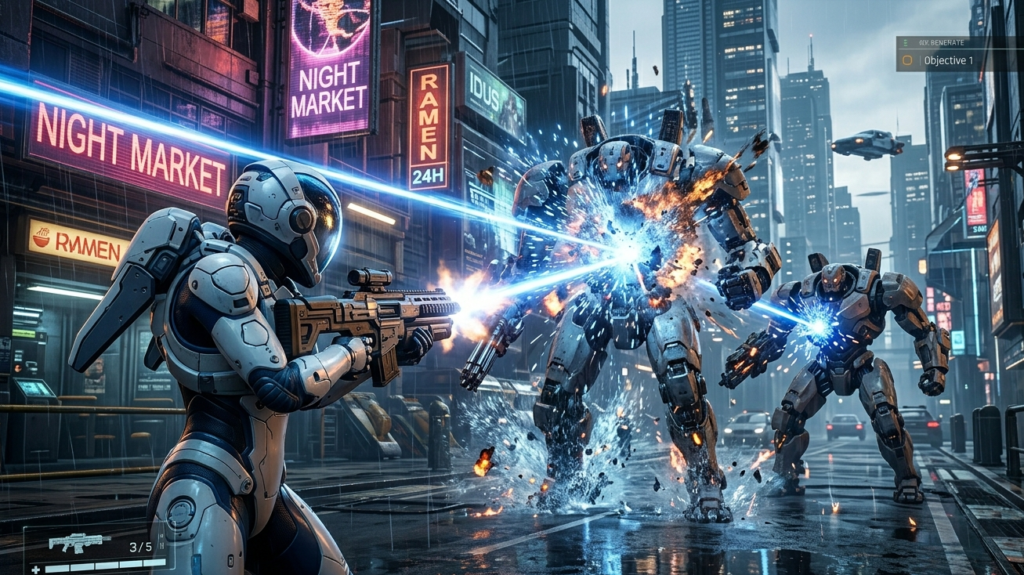
While the performance is the headline, the synergy between Hugh and Diana is the heart of the game.
- The Hacking Mechanic: Playing as Hugh, you provide the firepower, but you must protect Diana while she hacks into the robot defense systems. This adds a layer of tactical tension to the high-speed combat.
- The Shelter: Between missions on the lunar surface, you return to the “Shelter.” Here, the RTX performance shines in the “quiet moments.” The way the light bounces off Diana’s long hair (using the new RE Engine hair system) is a testament to how far gaming tech has come.
8. Conclusion: Is Your PC Ready?
Pragmata is a rare example of a “next-gen” title that actually rewards high-end hardware without leaving mid-range users behind. If you have an RTX 5090, you are looking at a cinematic 8K experience. If you are on an RTX 4060, you can still enjoy the journey of Hugh and Diana at a fluid 60 FPS, thanks to NVIDIA’s DLSS ecosystem.
Capcom has successfully launched a new IP that sets the bar for PC gaming in 2026. Whether you’re exploring the metallic corridors of the Cradle or staring at the distant Earth from the moon’s surface, Pragmata is a visual masterpiece.